Star Wars sounds, voice overlay, and three agents running in parallel
Selene now plays lightsaber sounds during agent work — ignitions on session start, swings on tool use, clashes on failures. Plus voice overlay and multi-agent demos.
On this page
A few things shipped this week that I wanted to write up. The main one is a plugin that makes the agent workflow sound like a lightsaber duel, but there are also updates to voice interaction and multi-agent orchestration that are worth mentioning.
The Star Wars sound effects plugin
Selene has a plugin system with lifecycle hooks — events that fire when sessions start, tools execute, tasks complete or fail. The existing task-completion-notifier plugin uses these hooks to play basic macOS system sounds. The new starwars-soundfx plugin hooks into the same events but plays lightsaber sounds instead.
Here is what fires when:
Session start → lightsaber ignition. Each tool use → random swing sound. New agent session → lightsaber clash. Task failure or tool error → sith clash. Task completion → swing. Task abort → clash. Every coding session becomes a duel.
The plugin is macOS-only (uses afplay), mirrors the exact manifest and hook structure of the existing notifier plugin, and installs the same way — drop it in or install from settings.
The full plugin source is on GitHub: selene-plugins/starwars-soundfx.
The actual sounds
Five WAV files, each mapped to different agent lifecycle events. Click to play:
ignition.wav — lightsaber powering on. Plays when a session starts.
clash.wav — two sabers meeting. Fires on new agent sessions and task abort.
swing-1.wav — a quick saber slash. Randomly selected on each tool use.
swing-2.wav — alternate swing. Also plays on task completion.
sith-clash.wav — the dark side hit. Fires on task failure and tool errors.
Voice overlay
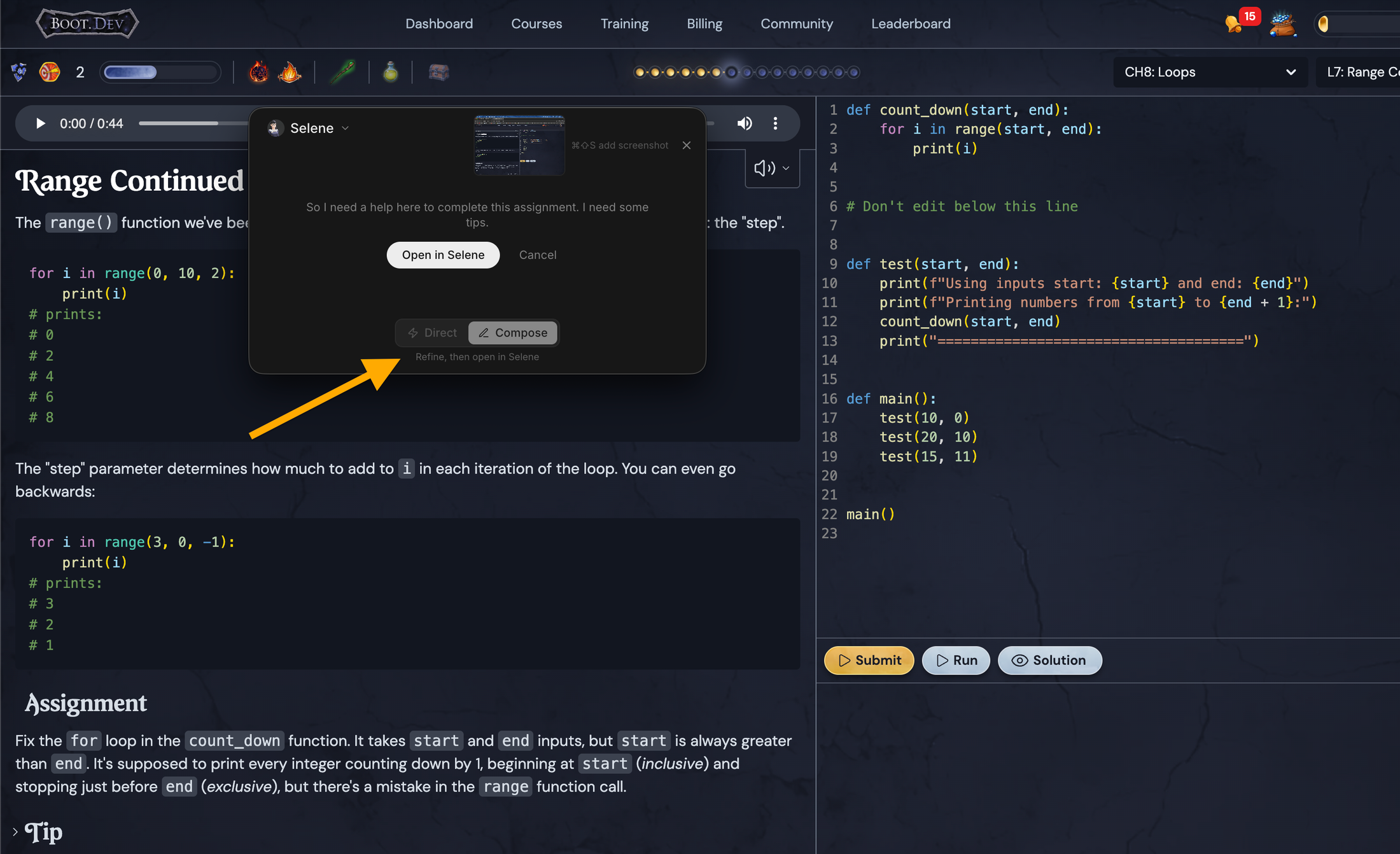
Selene now has a full voice pipeline with a floating overlay you can trigger from anywhere on your Mac. Hit the shortcut, talk, and the overlay captures your speech with a live waveform. You can send it directly or compose a refined message before it opens in the main app. No need to switch windows or break your flow.
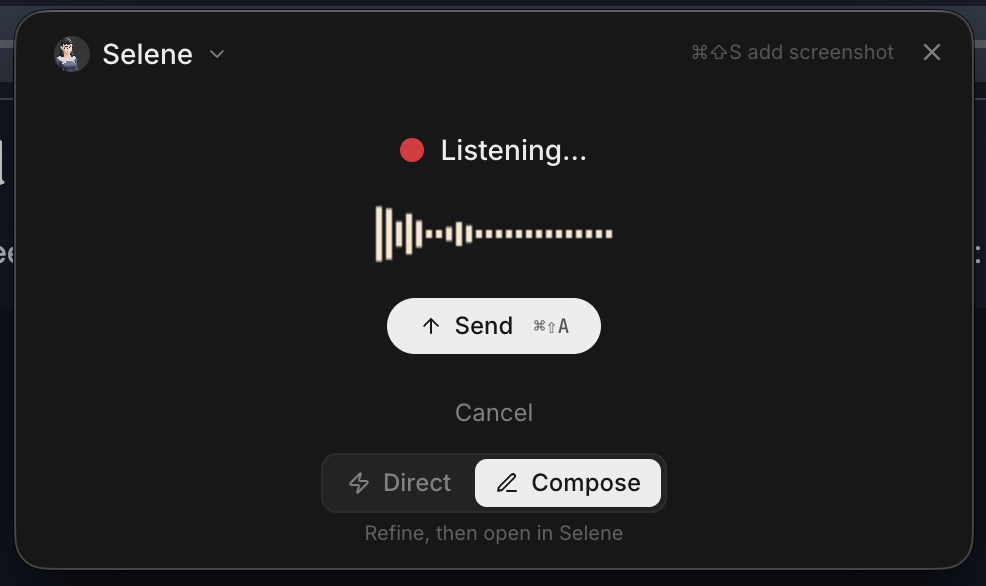
There are two modes: Direct sends your voice input straight to the agent, Compose lets you refine the transcription first. Both include the ability to attach screenshots with a keyboard shortcut. The TTS response plays back through the system, so you can have a conversation with Selene without ever opening the app window.
Three agents in parallel
The video at the top shows three Selene agents running concurrently, each on a separate task with its own session and tool context. These are all the same Selene agent — not a delegation tree or sub-agent hierarchy. You just open three tasks and let them run. The lightsaber sounds overlap as all three execute tool calls simultaneously.
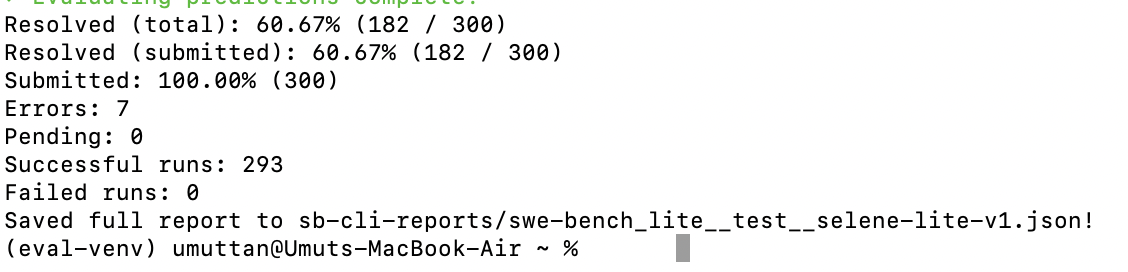
Separately, Selene ran SWE-bench Lite with a single agent (not parallel, not delegation) and scored 61% with Opus 4.6 on the first untweaked run. The parallel sessions in the video are a different thing entirely — just concurrent work with audio feedback so you can hear the pace without watching the screen. When three agents are all swinging at once, it sounds like a proper cantina fight scene.
Other things
Docling integration landed for document handling — PDFs, DOCX, PPTX, and other formats go through it now. There is also a lightweight browser automation tool (multi-action, Chromium-based) that I use daily for tests and web tasks. Both are available as built-in tools.
Selene has been self-developing for a couple of months now. I handle the architecture, the agents handle the implementation. It is my daily driver and I have stopped using other coding tools. Still plenty of bugs, but it resolves most of what I throw at it.
If you listen carefully to the demo video, there is a hodja reciting the prayer call in the background. I live in a small village in Turkey, it happens multiple times a day. Adds to the ambience, I think.